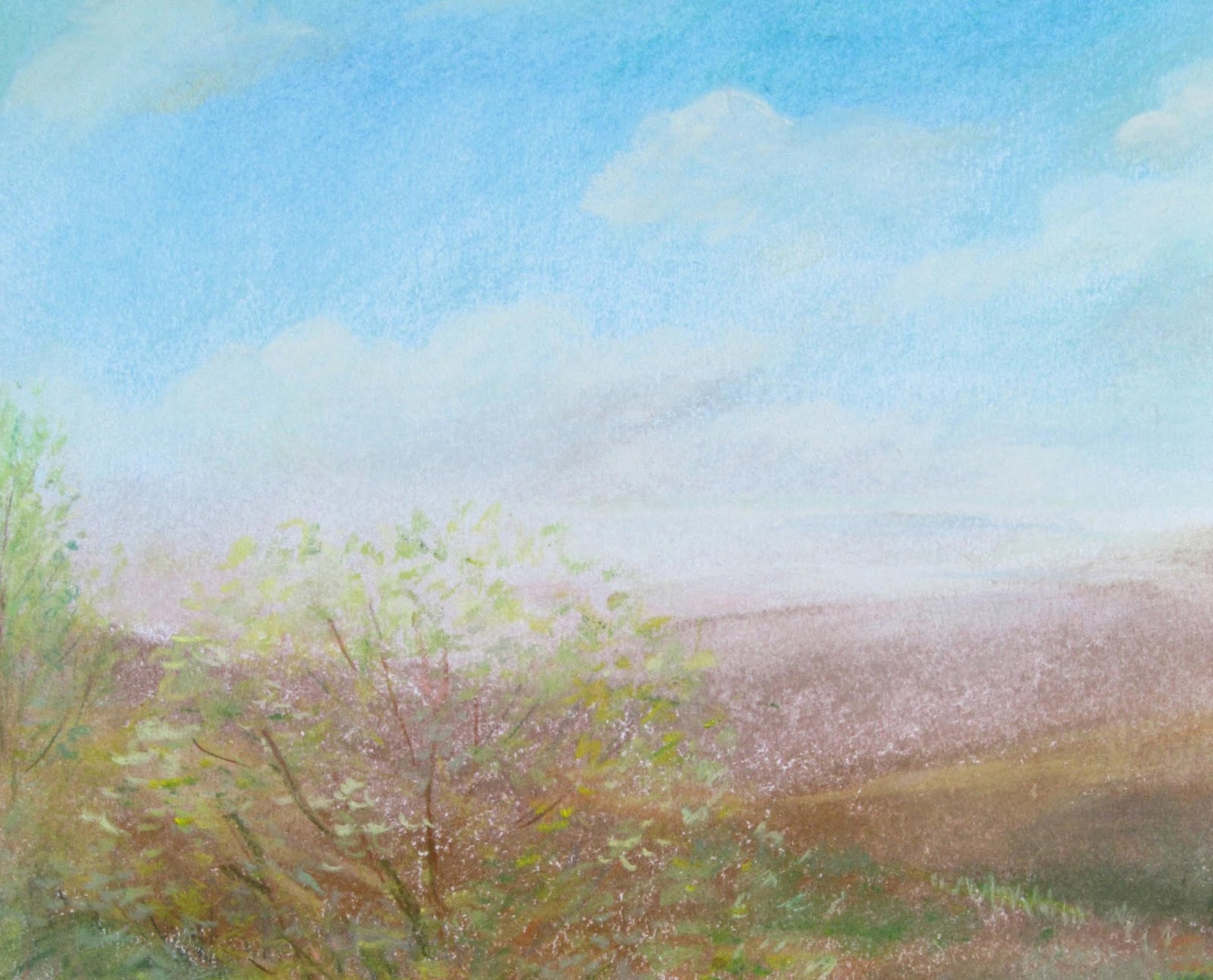
 Came to Photoshop very late in my career. It took forever to learn. Since then, I dont remember the last time I actually complete an illustration. By not fuzzing over one single painting which could take up to a month to finish, I can dream up many variations working with a few images.
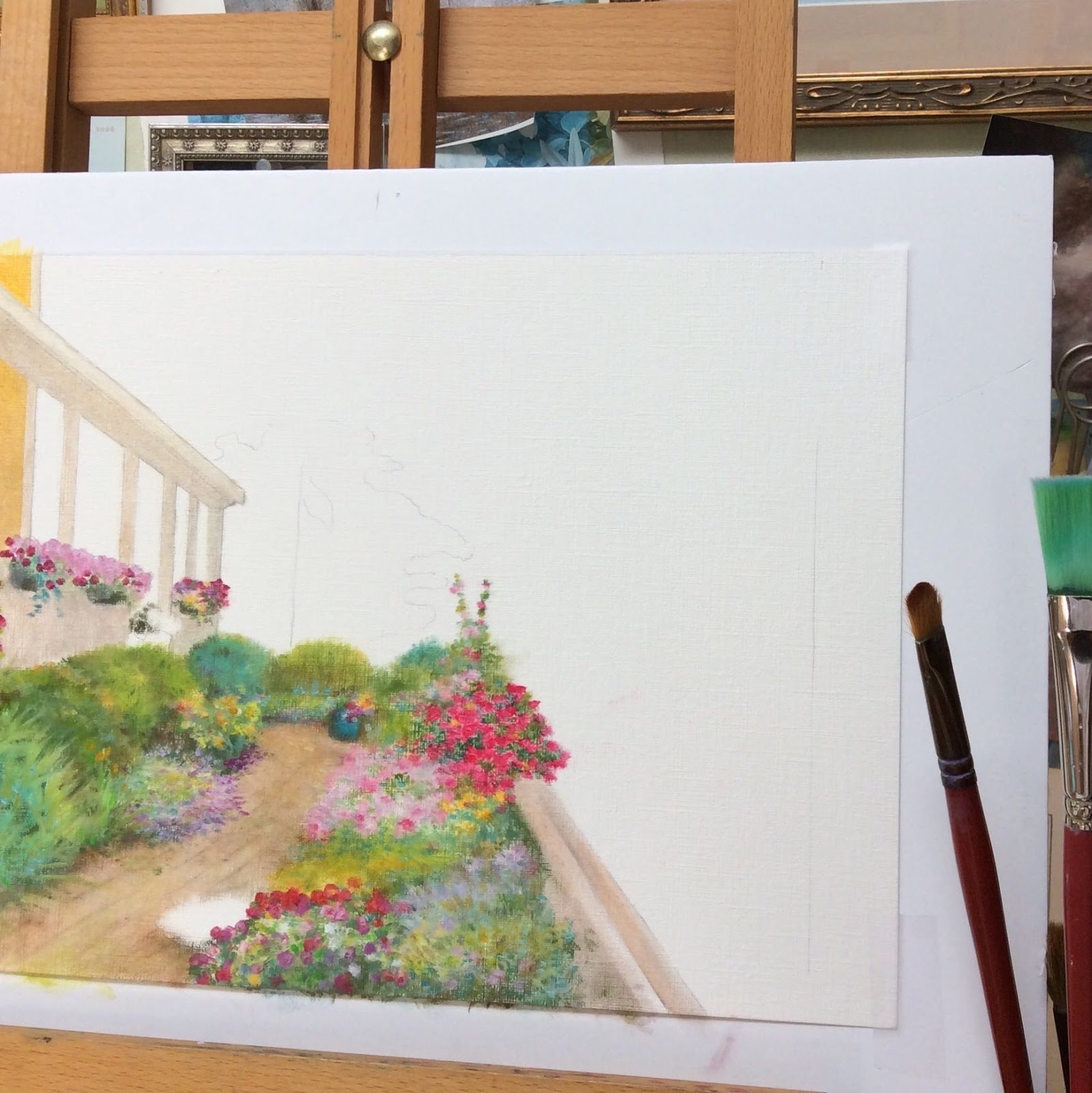
 It always starts with a sketch. This seaside cottage sketch came from Noank, CT.
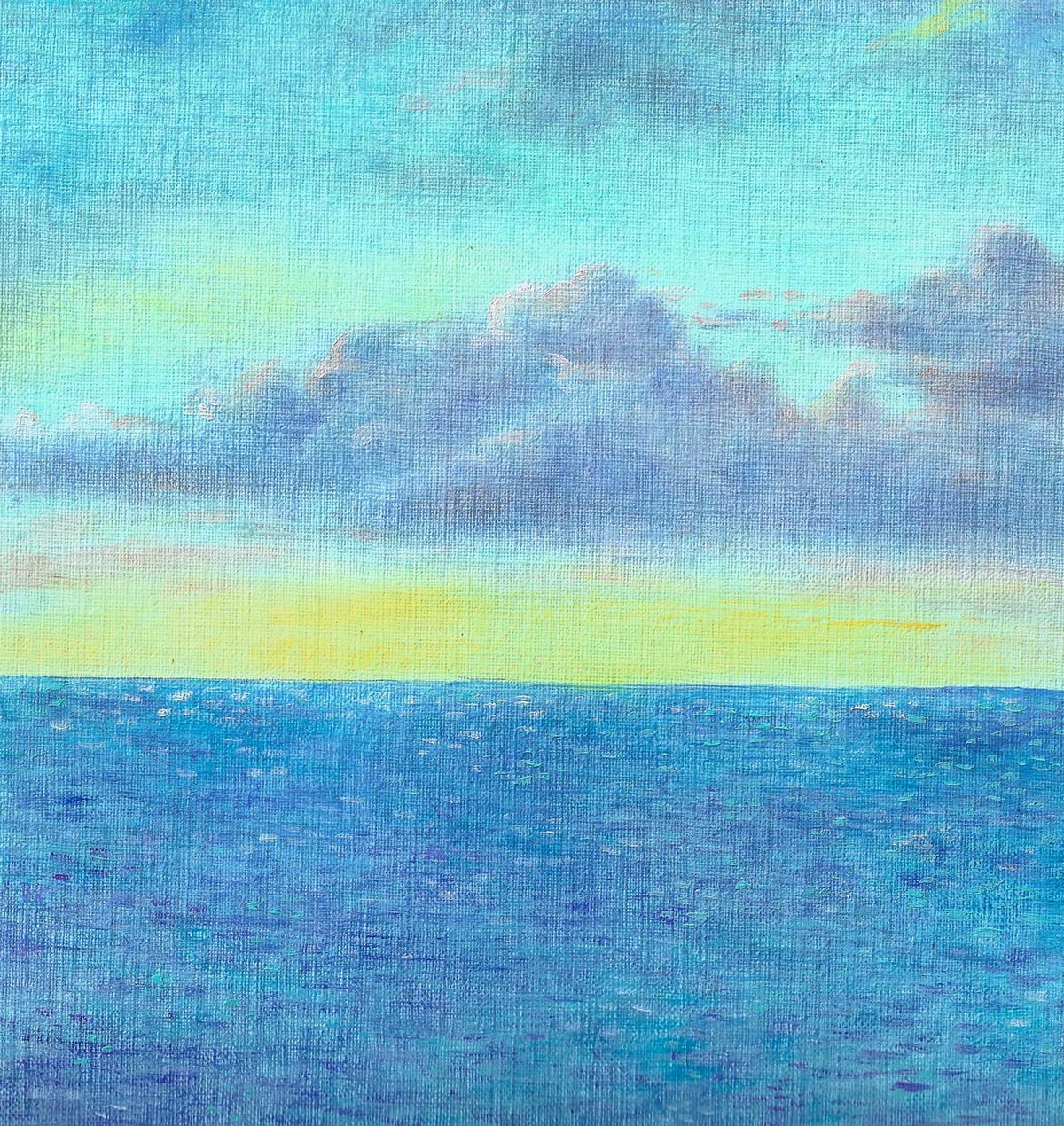 The sky & water is from my archive. I've been painting forever, so there are tons of painting I can use.
 I started this with watercolor, but the ethereal watercolor just can not express the colorful garden. An impressionist painting can come together pretty fast.
 I then pulled some sailboats from another painting, just need to seperate it from the original.
 Layer on a flag...
 Viola! A new design for my Summer Collection. For someone who cant seem to stay focus on finishing a painting, the magic of photoshop is a real blessing.